Updated on November 22, 2026
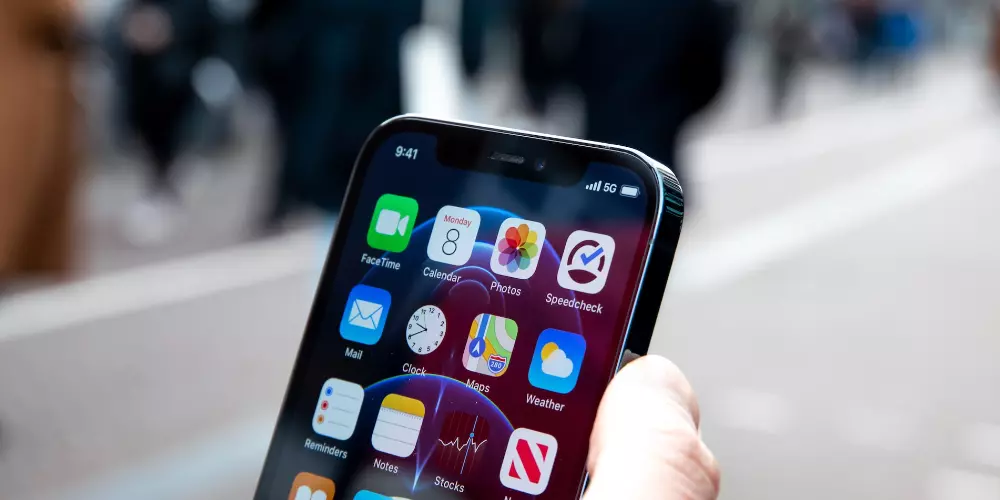
iOS runs on Apple’s iPhones. Android runs on phones from Google, Samsung, Motorola, and many other makers. Windows 11 mainly runs on desktops, laptops, and tablets. The differences you’ll notice day to day are where you get apps, when updates arrive, how you manage files, and which other devices work together easily.
iOS, Android, and Windows at a Glance
| Feature | iOS | Android | Windows 11 |
|---|---|---|---|
| Typical device | iPhone | Phone or tablet, including foldables | Desktop, laptop, or 2-in-1 |
| Apps | App Store and other distribution options where supported | Google Play on supported devices, other stores, and installation from allowed sources | Microsoft Store and desktop installers from software makers |
| System updates | Apple releases updates for supported iPhone models | Timing and support depend on the phone maker, model, and sometimes carrier | Microsoft distributes Windows updates, with some driver updates from PC makers |
| Files | Files app for local and cloud folders, with apps managing much of their own data | File manager for shared folders such as Downloads and Pictures | File Explorer for drives, folders, and network locations |
| Customization | Widgets, Home and Lock Screen changes, and choices for some default apps | Widgets, default apps, and alternative home-screen launchers on many devices | Desktop, taskbar, display layout, and default apps |
What Changes When You Switch Between iPhone and Android
If you prefer to change your launcher, choose from many phone designs, or get an app from another store, look at the options on the specific Android phone you’re considering. Google’s Android app guide covers apps from Google Play and other sources.
On iPhone, Apple controls the hardware and system releases. iOS also lets you change options such as your default browser and email app. The available defaults depend on your iOS version and country. Apple’s guides list which default apps you can change and where alternative app distribution is available.
If you use a Mac, iPad, or Apple Watch, Apple’s own integration can matter more than the look of the Home Screen. For example, AirDrop sends files between nearby Apple devices, and Handoff lets you resume a supported task on your Mac. Many everyday services, including email, browsers, and cloud storage, also work across platforms.
Where Windows Fits In
Windows is the desktop choice in this comparison. It runs desktop programs and lets you work in multiple resizable windows. Even if a service is available on all three systems, its Windows and phone apps can have different features.
Microsoft’s Phone Link pairs a Windows PC with a compatible Android phone or iPhone. It can handle tasks such as calls and messages, with other features depending on the phone. If you only need to get pictures off your phone, see how to copy photos from Android to a computer over USB.
Frequently Asked Questions
Is iOS the Same as Android?
They are separate phone operating systems. iOS comes from Apple and runs on iPhone. Android powers phones and tablets from several companies, whose menus and update policies can differ.
Is iOS the Same as macOS?
iOS powers iPhone, and macOS powers Mac computers. They share Apple services and features such as AirDrop, while their apps and interfaces are designed for different devices.
Can an iPhone Work With a Windows PC?
Yes. You can use Apple and Microsoft services on Windows, transfer files through supported apps or cloud storage, and use Phone Link for supported features.
Which Gets Updates Faster, iOS or Android?
Apple generally releases an iOS update to supported models at the same time. Android rollout dates vary by manufacturer and model. Compare the published support period for the phones you’re considering.