Updated on November 23, 2026
You can also read this guide in German or French.
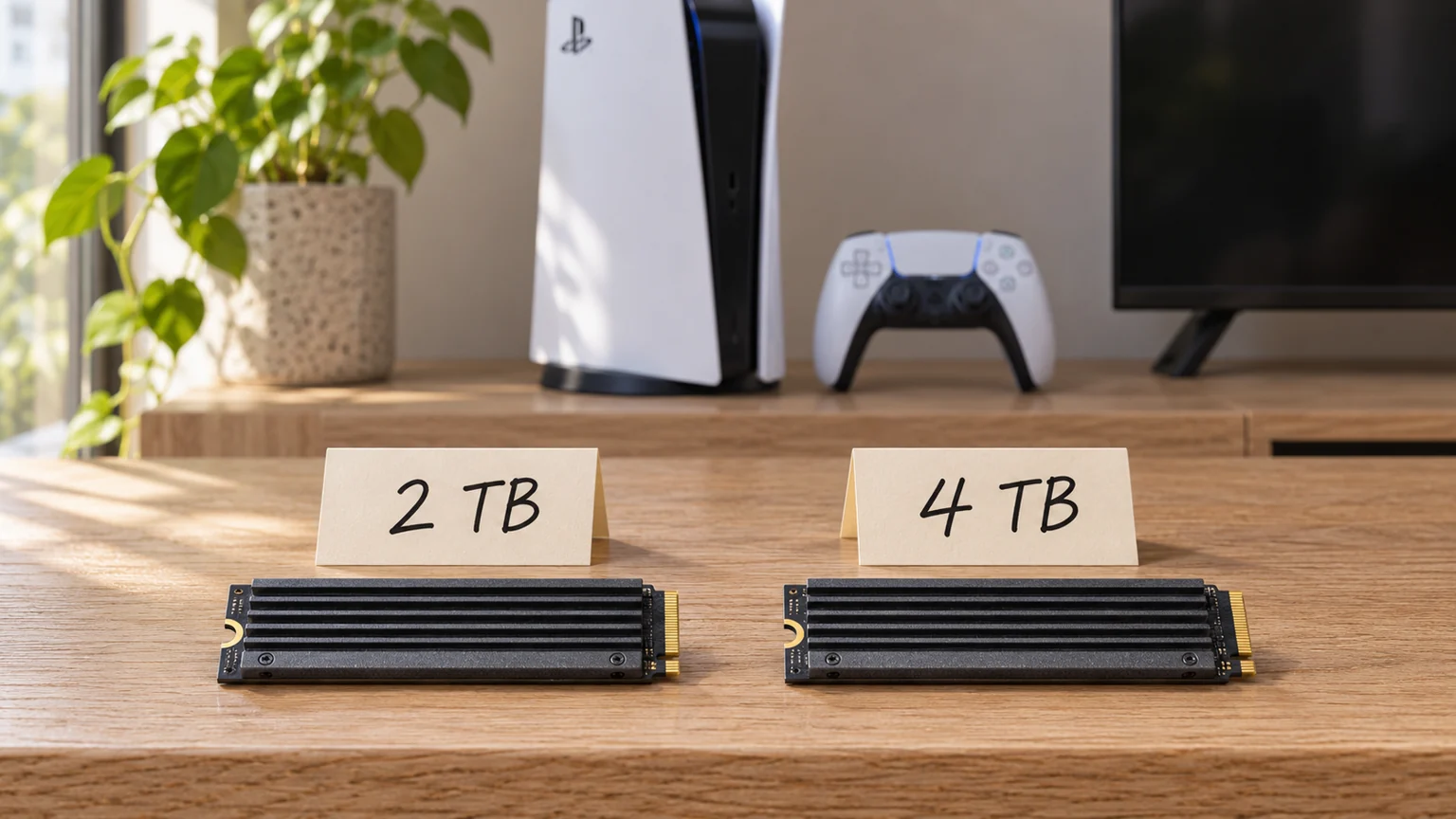
Choose 2 TB if the games you want to add fit comfortably on it. Choose 4 TB if your household already has close to 2 TB of extra games it wants ready to play. Before buying either, open Settings → Storage on your PS5. You might already have enough room for the next few games on your list.
How much extra storage do your games need?
Make a list of the games you and anyone else using the console want to launch this month. If two people play the same installed version of a game, count it once. Leave out anything everyone is happy to download or copy back later.
- Write down the free space under Settings → Storage → Console Storage. Open Games and Apps to see what each installed game uses. If a title offers Customize, Sony explains how to remove parts of a game, such as a campaign you finished. Read the free-space number again after any cleanup.
- Add up the sizes of the games on your list that still need installing. Games you’re keeping on the built-in drive are already accounted for in its free-space figure. For a new game, use the space required for the PS5 edition and include the packs you plan to play.
- Pick how much space you’d like left for an update or your next game. If you often buy 100 GB games, 100 GB is a useful starting point. A particular update may need more.
Extra space needed = games to add + space to keep free − free space on the console. A result of zero or less means you can wait. If the total comes within one big game of 2 TB, decide which title you’d be happy to archive. If everyone wants those games ready, choose 4 TB. If you’re replacing an existing M.2 drive, add the installed games you want to bring over from that drive to “games to add.”
Three examples you can compare with your PS5
| What you want to keep ready | Games to add + room to spare | Free on console | What to buy |
|---|---|---|---|
| Two games for the weekend | 160 GB + 100 GB | 320 GB | Wait. You have 60 GB more than you need. |
| A mix of sports, co-op and story games | 1,180 GB + 150 GB | 220 GB | 2 TB. You need 1,110 GB extra. |
| Several people’s games on one console | 2,250 GB + 150 GB | 180 GB | 4 TB. You need 2,220 GB extra. |
These are sample libraries. For two real PS5 sizes, Bungie lists Destiny 2 at up to 179.23 GB with update 9.7.0, depending on installed languages. For Warframe’s September 2026 release, Digital Extremes estimated 62.56 GB installed after a 16.11 GB update. Use the installed size in your sum. Adding the update to it would count some space twice.
What does the extra 2 TB cost?
On November 23, 2026, Corsair’s U.S. store listed its MP600 ELITE for PS5 with a heatsink at $349.99 for 2 TB and $699.99 for 4 TB. At those prices, each costs about $175 per advertised terabyte. The larger drive costs $350 more. If your worksheet comes out at 1,110 GB, the smaller model covers that library and leaves most of another terabyte for later.
When prices change, subtract the 2 TB price from the 4 TB price and divide by two. That’s what each extra terabyte costs you. Compare drives that both include a PS5-compatible heatsink. Our guide to comparing 2 TB SSD deals shows what to check in a listing before you pay.
When a USB drive makes more sense
If you replay a big game once or twice a year, you can store the PS5 game on a compatible USB drive and copy it back to the console or M.2 SSD when you want to play. PS4 games can run directly from USB extended storage. If a few old games or video clips are using most of your space, try freeing up room on your PS5 before buying another drive.
Think about the wait you actually face. At a steady 50 Mbps, downloading 100 GB takes about 4 hours 27 minutes before overhead. If everyone expects to play on Friday night, keeping that game installed may be worth paying for. For a game you revisit on holiday, copying it back ahead of time may suit you just as well.
Frequently asked questions
Will a 4 TB SSD make PS5 games load faster than a 2 TB SSD?
Capacity alone tells you how much fits on the drive. For either size, Sony’s PS5 SSD requirements call for a PCIe Gen4 x4 M.2 NVMe drive with a cooling structure that fits the bay. Sony recommends a sequential read speed of at least 5,500 MB/s. Both 2 TB and 4 TB fall within its supported range of 250 GB to 8 TB.
Can I add a second 2 TB SSD later?
The PS5 has one M.2 expansion slot alongside its built-in storage. If that slot already holds a 2 TB SSD, replacing it with a 4 TB SSD adds about 2 TB of advertised capacity. Plan where to copy the games you want to keep before swapping drives.
How many 100 GB games fit on a 2 TB SSD?
Twenty is the upper limit on paper if every game is exactly 100 GB. Formatting, patches, add-ons and the space you choose to keep free reduce that count. A game also has to fit on one drive, so check the free space on the drive where you plan to install it.
Does buying PS5 games on disc save SSD space?
Disc games still install on the console or its M.2 drive. Use the installed size from Games and Apps for disc and digital games alike. You’ll also need the disc in the drive to play a disc copy.