Updated on November 24, 2026
A 128 GB card can hold a full workday on one front and rear dash cam and barely two hours on another. Start with the trip you want to keep.
Choose 128 GB if both cameras can keep that trip with time to spare. Choose 256 GB if you need longer to find a clip and your camera supports the larger card.
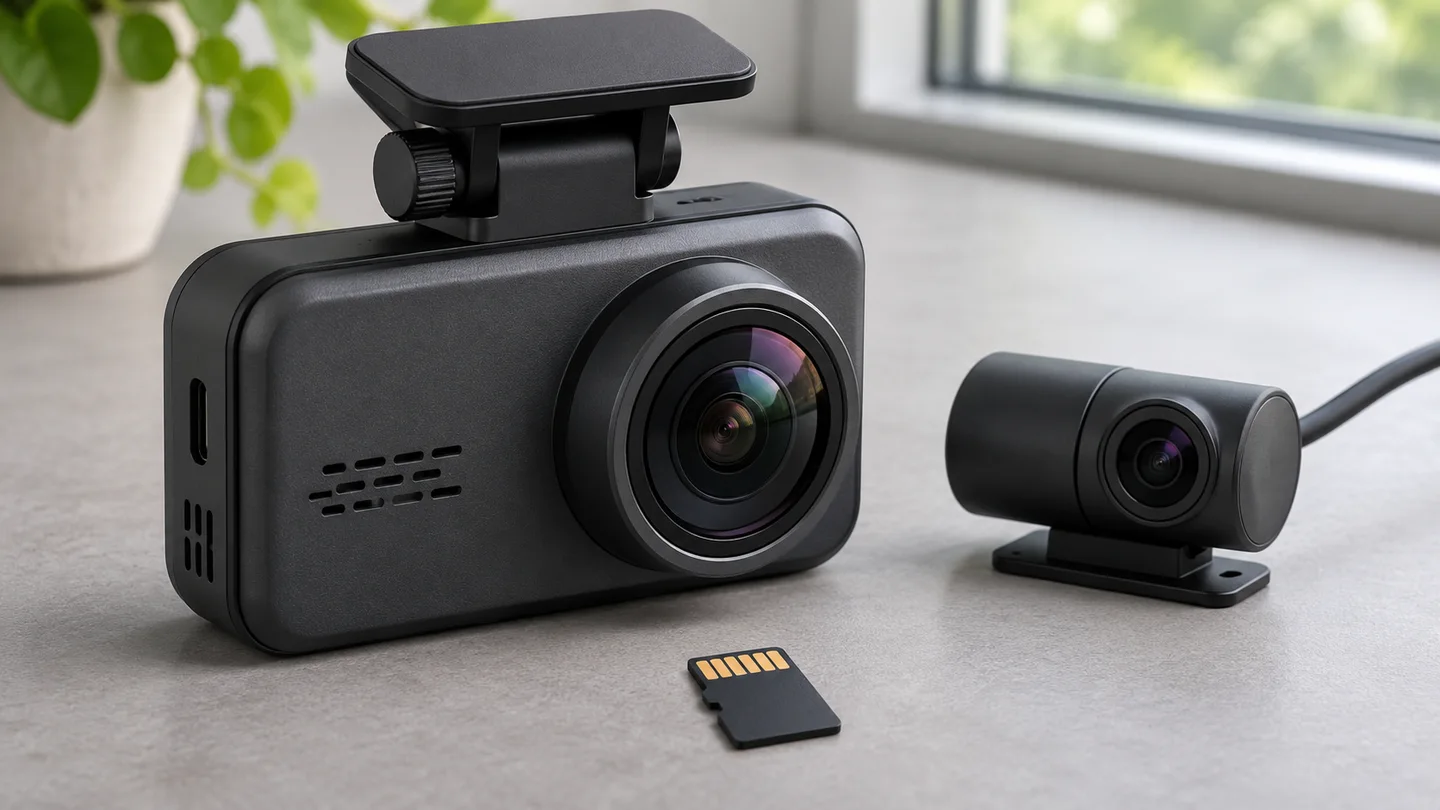
How long do 128 GB and 256 GB actually record?
These are the manufacturers’ estimates with both cameras recording. Each figure counts an hour on the road once, even though you can replay it from two angles.
| Front and rear setup | 128 GB | 256 GB |
|---|---|---|
| Nextbase 222XR | About 8 hours | Unsupported |
| Nextbase 622GW with rear module | About 3 hours | Supported, no time quoted in the manual |
| Thinkware U3000, Normal quality | 2 hr 5 min | 4 hr 10 min |
The Nextbase 222XR manual puts the card limit at 128 GB. The 622GW manual lists support up to 256 GB and recommends 64–128 GB.
In Thinkware’s recording chart, switching the original U3000 to High quality cuts its 256 GB recording time to 3 hours 35 minutes with both cameras running.
Measure an hour of footage from your own camera
You can estimate how much space a drive takes from a few clips you already have. Leave both cameras on the settings you normally use.
- Pick an ordinary driving clip. Find the rear clip with the same start time and duration. If your camera combines both views in one file, use that file once.
- Add up the file sizes for that interval, including any smaller copies the camera saves. The 622GW can write four files for one interval when its Dual Files setting is on.
- Divide the total megabytes by the minutes recorded. Multiply by 60, then divide by 1,000 to get roughly how many gigabytes you use per hour. Repeat with a few other clips.
Example. One minute of front video uses 180 MB and the matching rear video uses 90 MB. Together they use 270 MB per minute, or about 16.2 GB per hour.
A 45-minute commute each way uses about 24 GB per day at that rate. An eight-hour shift needs roughly 130 GB, already more than a 128 GB card holds.
Check how much of the card is yours for driving
With dash cam loop recording, the camera records over older trips. Some models reserve space for parking or incidents, so ordinary drives can disappear while those folders still have room.
Thinkware’s memory settings guide shows how the split can change. In its example, normal driving gets 62.5% of the card with driving priority, but only 35% with parking priority.
Once your card has looped, open each camera’s oldest ordinary clip after a typical trip. Can you still play the start of the drive you wanted to keep?
If yes, keep your 128 GB card. If the start is gone, a compatible 256 GB card buys more time. On longer trips, copy footage during a stop.
Frequently asked questions
Will a 256 GB card give me sharper footage?
At the same camera settings, picture quality stays the same. A larger card keeps a longer history. Check the manual for the maximum capacity, required write speed and cards approved for continuous recording.
Do parked hours count the same as driving hours?
They can use very different amounts of space. VIOFO’s parking modes include motion-triggered clips, time-lapse and continuous low-bitrate video. Check how much a typical night uses with your parking settings.
How do I keep a clip from being overwritten?
Once parked, copy both views to your phone or computer and play them back. The 622GW can overwrite the oldest locked clip when its protected folder reaches its limit.
What should I check before buying a 256 GB card?
Check the capacity and speed rating your model supports. If a deal looks unusually cheap, our guide to spotting counterfeit storage explains how to check whether it holds what the label promises.